linkInstallation
In order to capture tasks via your Apple Watch, use Amplenote's Siri integration. This shortcut uses Siri to quickly capture a task to your daily jot.
Upon visiting the link (on iOS or iPadOS) and clicking on the "Get Shortcut" button, you will be asked to configure the shortcut:
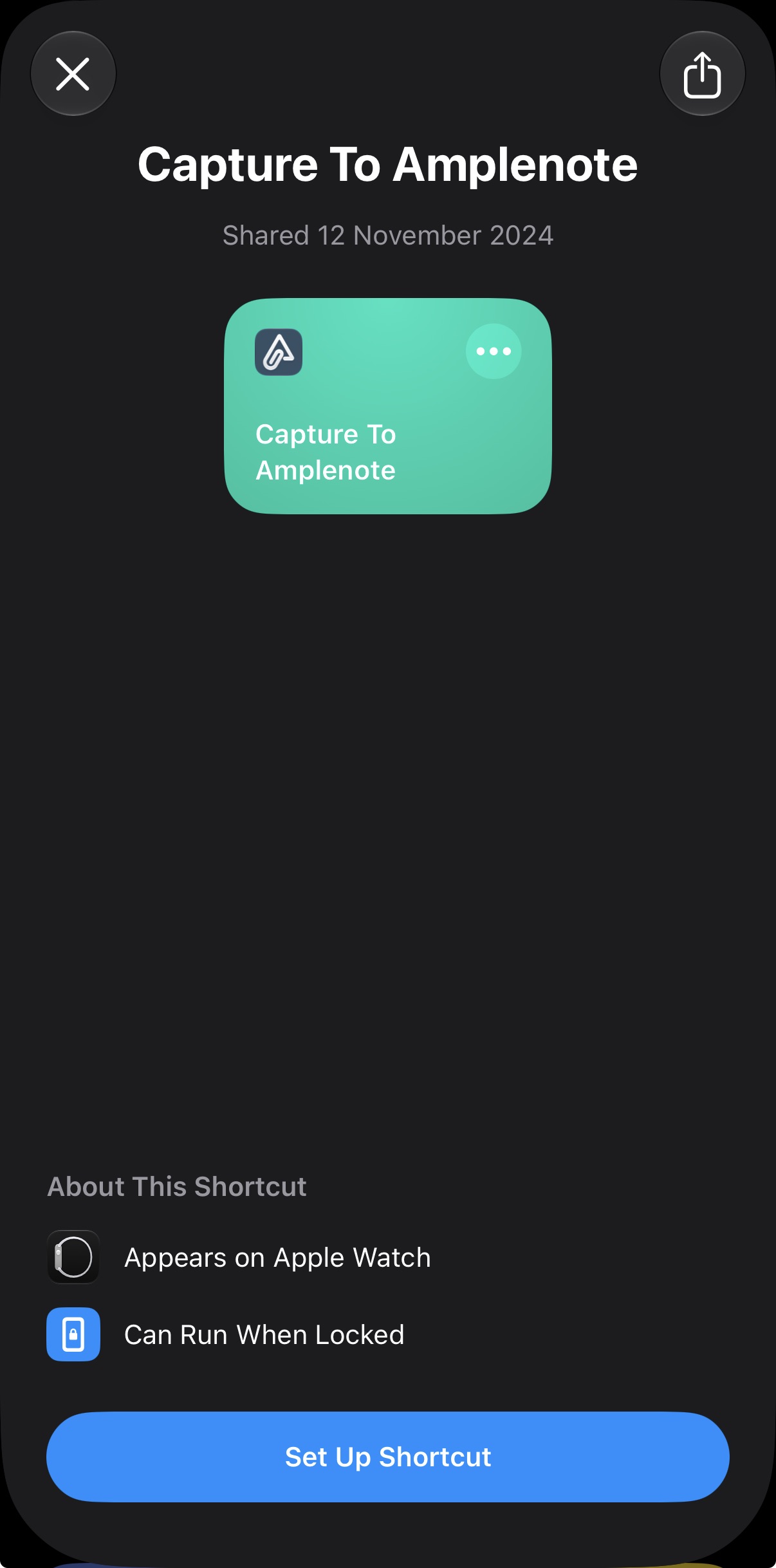
The only thing you need to set up here is the tag of your daily jots, usually daily-jots.
linkHow do I use the Siri shortcut once installed?
Long-press your power button on your iPhone or the digital crown on your Apple Watch to invoke Siri. Once Siri answers to you, say "Capture to Amplenote", then pause. Siri will understand that you want to capture a task to Amplenote and will ask you for the contents of your task. At this point, dictate your task to Siri, and you are done! ✨
linkMore info on Siri shortcuts
If you wish to create more advanced Siri workflows, check out: How to create Siri Shortcuts with Amplenote Actions.