The Best Obsidian Alternative
The privacy-first Obsidian alternative with native
synced everywhere
Amplenote keeps notes, tasks and calendar in one place, on every device, with no plugins to configure.
Sync included
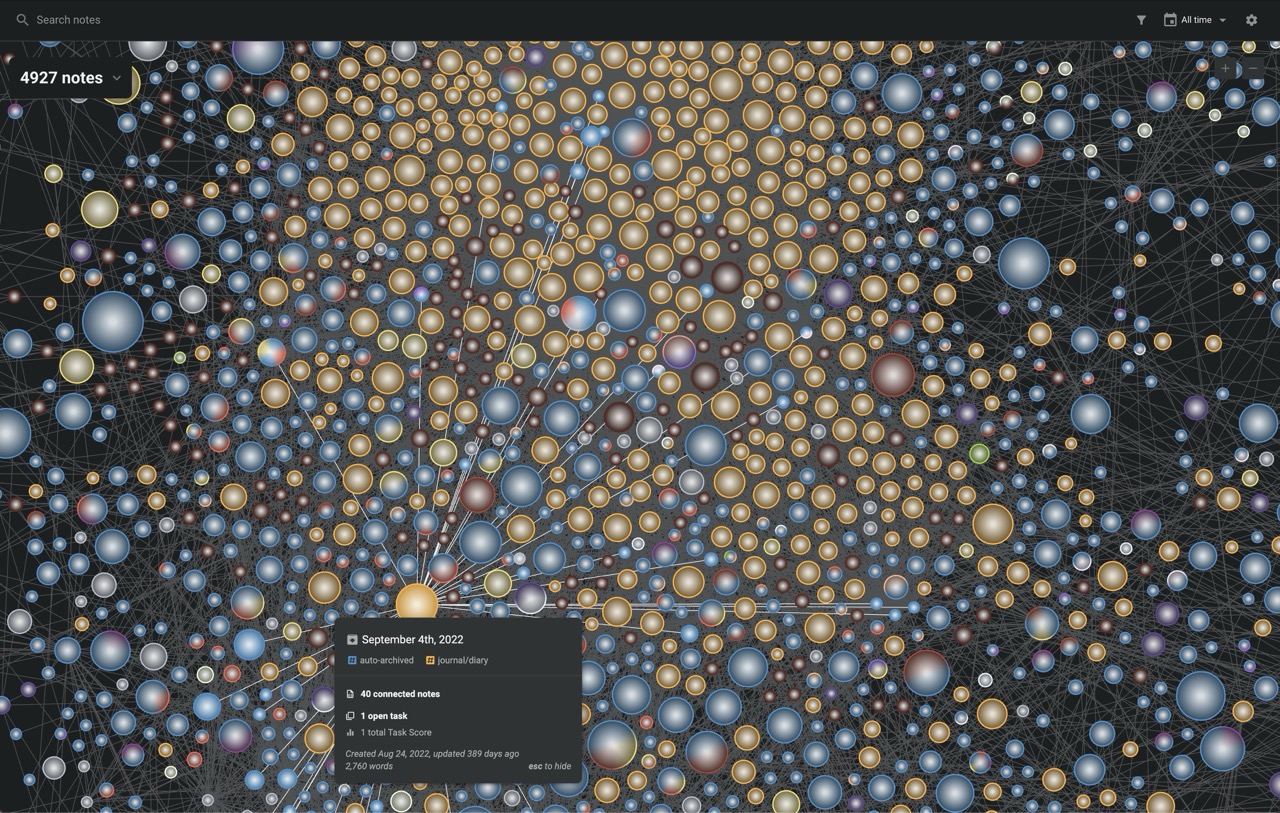
Your note graph syncs to every device, no subscription required.
- Web, iOS and Android stay in sync on the free plan
- Robust merge with version history that protects every edit
- Lightning-fast mobile app with one-tap capture for new tasks straight from your home screen
Batteries included
Plugin-worthy functionality already built in.
- Robust import from Obsidian that carries over your backlinks and your note graph
- Hierarchical tags, tasks, habit tracking, mood logging, calendar time-blocking and web clipping are native, not community plugins
- Comes with an official AI agent power-up
- Community-built plugins for everything else
Action-oriented
Task management without the setup.
- Recurrence, hide dates, blocking tasks and more are available natively
- Task Score ranks every to-do by importance and urgency, and is customizable
- Drag tasks from your to-do list onto your calendar
Share, don't export
Collaborate and publish.
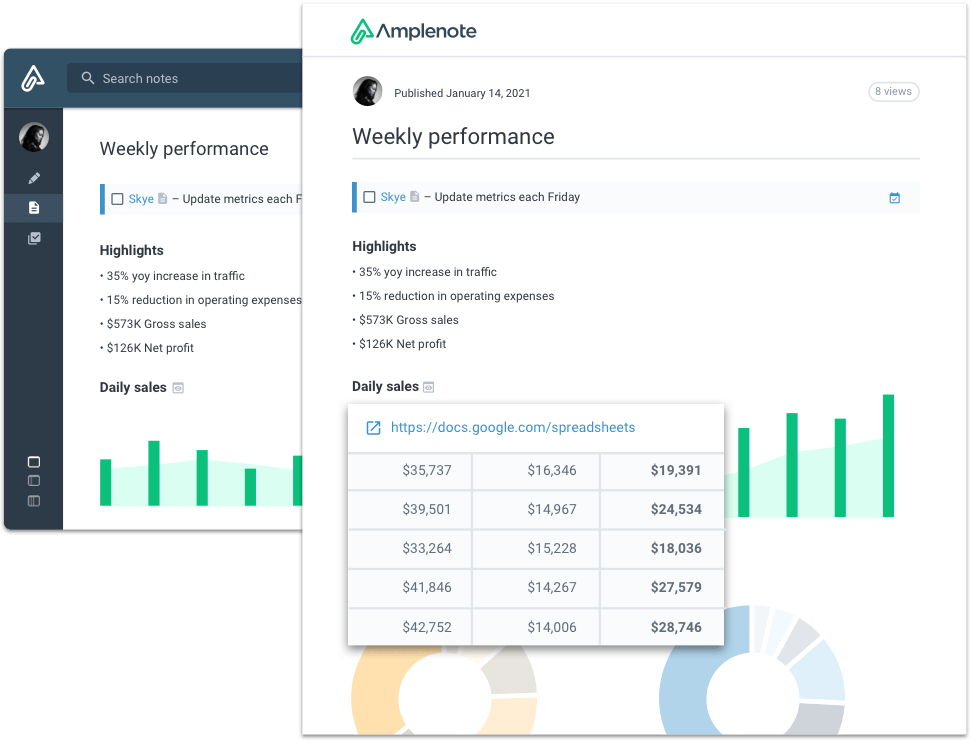
- Share individual notes or entire tags for collaboration
- Real-time editing of notes and task assignment
- Publish and style your notes to the web
Your data stays yours
Cloud convenience, zero lock-in.
- Everything is Markdown behind the scenes
- Export your entire account to Markdown at any time
- Password-protect notes for extra security
Been using Amplenote for two weeks now, and I can confidently say that I would do a complete migration from the apps I'd been using for the past three years: Notion for note-taking, Obsidian for brainstorming and Excalidraw, and TickTick for calendar and task management. As a power user, I kept being baffled by so many hidden features I didn't think I would ever need, but that have become very useful to me in Amplenote. It feels much more minimalistic and decluttered than all my previous apps.
Great product you are making here. I've tried Roam, Tana, Obsidian and was a regular user of Todoist — and right now I'm enjoying Amplenote so much that I signed on as a Founder supporter.
I actually dove way into Obsidian before eventually coming back to Amplenote once I realized I was spending way too much time fiddling and struggling with sync and information capture. I started slowly diving into Amplenote, and the Idea Execution Funnel and Help Docs really started to draw me in because they were at once a way to show me how to use Amplenote and a system for productivity itself. It's similar to why I love YNAB — it isn't just great software, but also a method for budgeting.
Obsidian is just as fast as you are on a computer, but you blow the doors off it on mobile — and getting ideas and tasks in quickly from your mobile is crucial to allowing yourself to make it a "trusted system" in the GTD sense. Of course, you have a big leg up on Obsidian in task management, too.
I use Obsidian for EVERYTHING. However, Amplenote has two killer features: Web availability. As a professional in companies where software downloads are restricted, this is a lifesaver, as I can access my Zettelkasten from the web and easily from mobile. Task management is great, especially the "!hide" function, where I can manage my to-do list a bit like an email inbox and snooze tasks or emails for later. This is actually a life changer for me, as it allows me to prioritize tens of tasks for my day in two minutes.
I've bounced between almost every solution, actually. I use Things every day and love it. I used Obsidian for a long time, trying Notion, RemNote, Supernotes, NotePlan, Clover, Craft, Keep It, Reflect, Logseq and most of the second-tier ones as well. Amplenote is easily the best. Beyond being surprisingly feature complete, you've built something approachable and usable for the casual user but wildly customizable for the power user. I'm slowly moving my tasks from Things into Amplenote.
I tried Bear, Notion, Obsidian, Nimbus and Craft. Amplenote was better, more intuitive and easier to use than all of these, hands down.
I have been hopping from Roam to Obsidian to Craft, but I never got things done. Amplenote is the panacea for getting things done.
Ready when you are
Keep your second brain
without the second job.
Amplenote is built for people who would rather get things done than maintain systems. Notes, tasks, calendar, mood tracking and more — synced everywhere.
Free Forever plan available · No credit card required · Full data export, always